Were they in class?
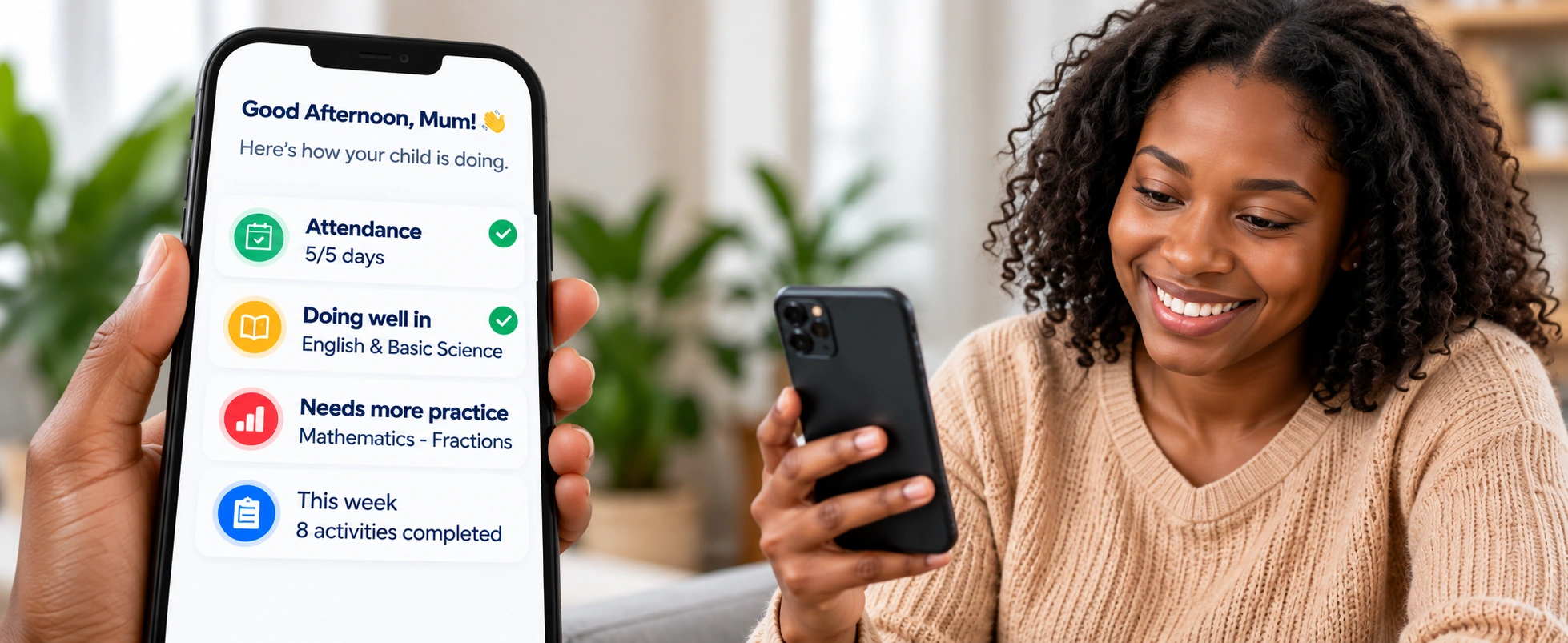
Follow attendance and check in with the school when something needs a closer look.
Some days, all you get is "fine." Stay closer to attendance, schoolwork and progress, so you know what to celebrate and where to help.
 Small updates.
Open the school day beyond the report card.
Follow attendance and check in with the school when something needs a closer look.
See learning progress and the topics that may need a little more practice.
Keep assignments, activities and school updates within reach.
Choose a part of the school day to see how the parent experience helps you stay involved.
Ask about your school →Keep relevant announcements and updates together, so the next school reminder is easier to find.
Follow invoices and payment information shared by your school. For questions about an amount or payment, contact the school team.
Use attendance, assignments and progress to ask a specific question: "Which topic should we practise together?"
Explore playful learning for younger students or focused learning and exam practice for secondary students.
Your school provides or arranges access to its parent experience. If your school already uses SchoolAccelerate, contact its administrator for your login details.
Yes. The Junior page explains the learning experience for nursery and primary children. Your school can confirm how it uses those tools.
Contact your school first. The information you see depends on what your school has set up and recorded.
Tell us about your school. We’ll help you explore the right tools for your team, students and families.